Pega Certification Course (PCSA): The Complete Study Roadmap
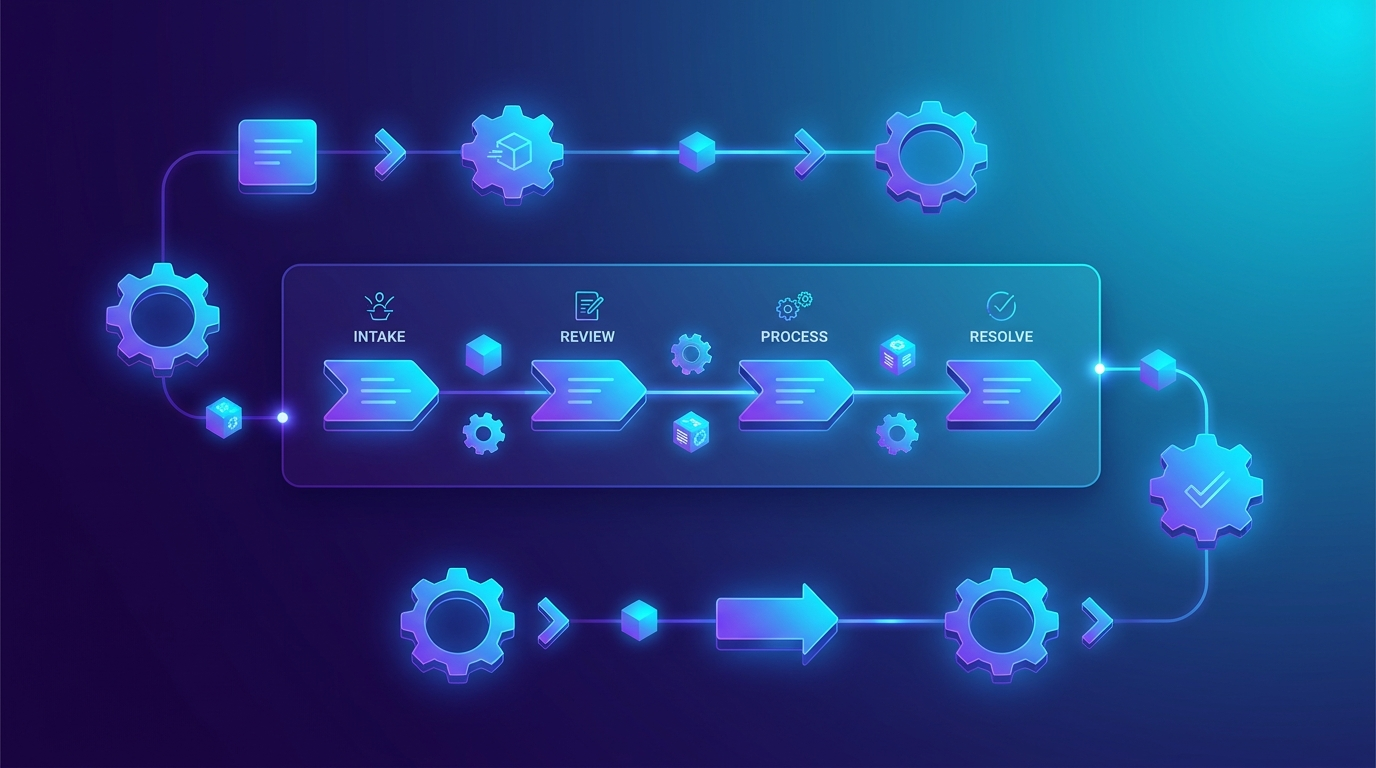
Welcome to the TechUpdateAI Pega Certification Course — a free, structured path to passing the Pega Certified System Architect (PCSA / CSA) exam. This page is your home base: the roadmap, the exam breakdown, and links to every lesson. Bookmark it and work through the modules in order.
New to Pega? The PCSA is the entry-level certification. It proves you can build a working Pega application using low-code — cases, data, UI, and process automation. No Java required.
What is Pega, and why get certified?
Pega is a leading low-code platform for building enterprise applications — the kind of case management and workflow systems that banks, insurers, telecoms and governments run on. Instead of writing everything by hand, you model your business process visually and Pega generates the working application. That makes skilled Pega developers valuable and in demand, and the PCSA is the credential that gets your foot in the door.
Earning it signals to employers that you understand the Pega way of thinking — designing around cases (a unit of work from start to finish), modelling data, building the UI, and automating the process — without needing to be a traditional programmer. It’s also the mandatory stepping stone to the senior certification (PCSSA) later on.
Who this course is for
- Career switchers moving into IT from a business or operations background.
- Fresh graduates who want a fast, in-demand skill that doesn’t require deep coding.
- Developers from other stacks adding low-code and BPM to their toolkit.
You don’t need any prior Pega experience — just a few focused hours each week and the willingness to build along, not just read.
The 6-week visual roadmap
Here’s the whole journey at a glance (exam weightings, weekly effort, and the study plan):
📊 Open the interactive roadmap
What the PCSA exam covers (and the weightings)
Study time should follow the exam weight — don’t over-invest in low-weight areas:
| Domain | Weight | What it means |
|---|---|---|
| Case Management | ~40% | Case types, stages, steps, processes, the “happy path” and exceptions |
| Data Modeling | ~30% | Data types, fields, data pages, the clipboard, integrations |
| User Interface | ~20% | Views, forms, controls, dynamic UI, validation |
| Reporting & Tools | ~10% | Report definitions, App Studio/Dev Studio, debugging, guardrails |
Passing score is around 70%.
Course modules
Work through these in order. We’re publishing them one by one — this list links each lesson as it goes live.
Week 1 — Foundations
- Pega Basics: the Platform, App Studio vs Dev Studio & your first Case Type
- Case design: Stages, Processes and Steps
- The primary path (happy path) and alternate stages
Week 2 — Workflow logic 4. Routing: worklists, work queues and assignments 5. Service Level Agreements (SLAs): goals & deadlines 6. Decisions: when rules, decision tables & decision trees
Week 3 — Data modeling 7. The Pega data model: data types, fields & relationships 8. The Clipboard — Pega’s “RAM” (and how to debug with it) 9. Data pages & data scope (Thread vs Requestor vs Node)
Weeks 4–6 — UI, refinement & review 10. Building the UI: views, forms & controls 11. Validation & declarative rules (declare expressions, data transforms) 12. Reporting with report definitions 13. Security basics: access groups, roles & RBAC 14. Guardrails, testing & packaging your app 15. Capstone project + practice exams
How to use this course
- Read in order — each module builds on the last.
- Practice hands-on — sign up for a free personal Pega environment and build along. Reading alone won’t pass the exam; building will.
- Use the official source too — this course explains concepts clearly, but the authoritative material (and hands-on missions) is Pega Academy. Always confirm exam specifics there, as Pega updates its platform regularly.
Ready? Start with Module 1: Pega Basics →
Frequently Asked Questions
Is the PCSA certification worth it?
Yes, for anyone starting a career with Pega. The Pega Certified System Architect (PCSA) is the recognised entry-level credential that proves you can build a working Pega application with low-code. It's the required foundation before the more advanced PCSSA (Senior System Architect) certification.
How long does it take to prepare for the PCSA exam?
Most learners are ready in about 4 to 6 weeks of consistent study with hands-on practice. This course is structured as a 6-week roadmap, but you can move faster or slower depending on your prior experience and study time.
Do I need to know Java to become a Pega System Architect?
No. The PCSA is a low-code certification focused on cases, data, UI and process automation using App Studio and Dev Studio. You build applications visually, so no Java programming is required at this level.
How much does the PCSA exam cost?
Exam pricing is set by Pega and can change, so always confirm the current fee and any voucher options directly on Pega Academy. The study material in this course is completely free.