Pega Basics: The Platform, App Studio vs Dev Studio & Your First Case Type
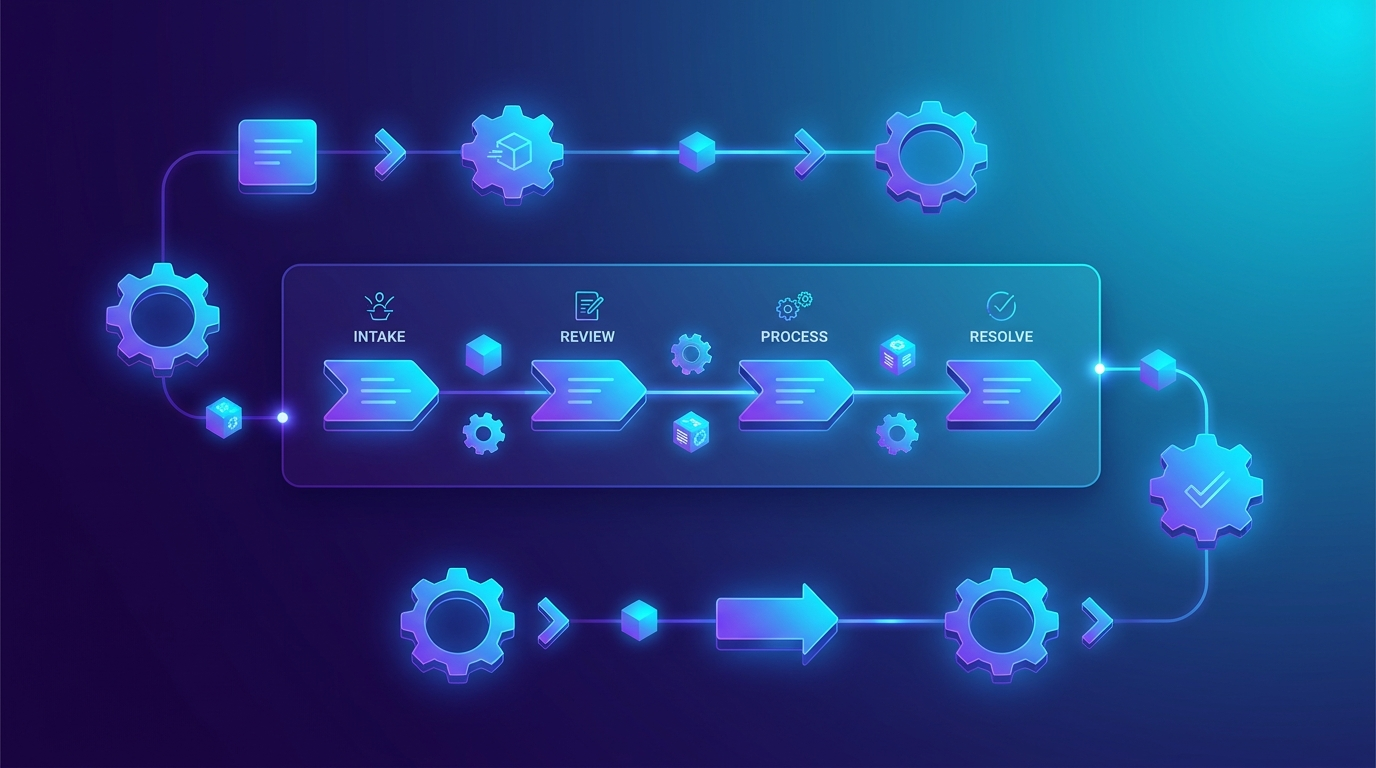
This is Module 1 of the Pega Certification Course (PCSA). It covers the foundations you’ll build everything else on.
What is the Pega Platform?
Pega is a low-code platform for building enterprise applications — especially apps that manage work and processes: loan applications, insurance claims, customer service requests, onboarding, and so on. Instead of writing thousands of lines of Java, you model your application visually, and Pega generates the running application for you.
Two ideas define Pega:
- Model-driven development — you describe what the app should do (the process, the data, the screens), and the platform runs it. Less code, faster delivery.
- Everything is a rule — every piece of your app (a screen, a process step, a validation, a data field) is stored as a rule in a central rulebase. Rules are organized into rulesets (versioned containers) and classes (which group rules by the type of object they apply to). Understanding “everything is a rule” is the key mental shift for a System Architect.
The authoring studios: App Studio vs Dev Studio
Pega gives you different studios (authoring environments) for different jobs. For the PCSA, the two that matter most are:
| App Studio | Dev Studio | |
|---|---|---|
| Audience | Low-code developers & business users | Advanced system architects |
| Style | Visual, guided, “what you see is what you build” | Full access to every rule and setting |
| Use it for | Designing case types, data, UI, personas | Fine-grained rule configuration, advanced logic |
Rule of thumb: do as much as possible in App Studio — it keeps you inside Pega’s best practices (the “guardrails”). Drop into Dev Studio only when you need something App Studio doesn’t expose. (You may also see Prediction Studio for AI/decisioning and Admin Studio for operations — you don’t need those deeply for the PCSA.)
Case types: how Pega models work
The single most important concept in Pega — and ~40% of the exam — is case management.
A case type is a template for a kind of work your business does. For example, a bank might have a “Loan Application” case type. Every time a customer applies, Pega creates a case (an instance) from that template and walks it through to completion.
Think of it like this:
- Case type = the blueprint (e.g., “Auto Claim”).
- Case = one real piece of work following that blueprint (e.g., “Auto Claim CLM-1023”).
A case has a life cycle made of three building blocks — you’ll use these constantly:
- Stages — the big phases of the work, left to right (e.g., Submission → Review → Approval → Fulfillment).
- Processes — the sequence of activity inside a stage (a flow of steps).
- Steps — the individual actions: collect information from a user, make a decision, send an email, wait, or automate something.
This left-to-right path of stages is often called the primary path or “happy path” — the way a case flows when nothing goes wrong. You design that first, then add the exceptions (alternate stages, rejections, escalations) later. That’s why the guidance is: “Focus on the happy path first, then master the exceptions.”
Your first case type (hands-on)
In a personal Pega environment, in App Studio:
- Open Case types → New, and name it (e.g., Onboarding).
- Add stages across the top: Collect Info → Review → Approve → Complete.
- Inside a stage, add a step — for example a Collect information step that shows a form to the user.
- Click Save and run (the “Run” / preview) to create a live case and walk it through your stages.
That’s the whole loop of Pega development in miniature: model the case → run it → refine.
Key takeaways
- Pega is model-driven, low-code, and everything is a rule (stored in rulesets and classes).
- App Studio for visual, guardrail-friendly building; Dev Studio for advanced work.
- A case type is a blueprint; a case is a running instance.
- A case life cycle = Stages → Processes → Steps, and you design the happy path first.
Next up: Module 2 — Case design: Stages, Processes and Steps in depth (coming soon). Return to the full course roadmap any time.
Reminder: this course explains the concepts; for hands-on missions and the definitive, always-current material, use the official Pega Academy.