Cartoons · YouTube

Start Your Own YouTube Cartoon Channel

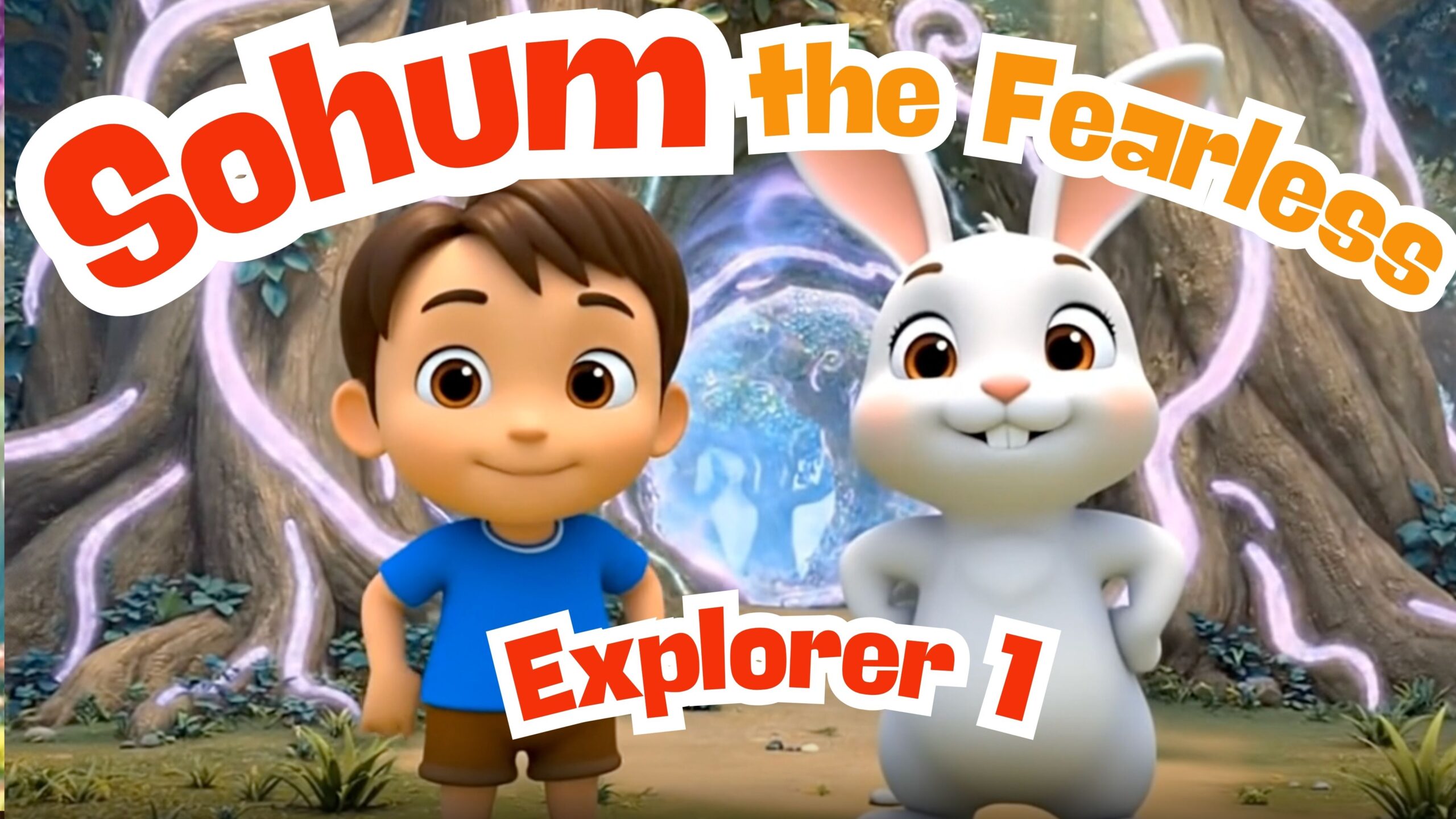
We run a kids' cartoon channel, @iSohum2912, made with modern AI tools. Here's exactly how you can build one too — and some of our episodes as proof it works.

▶ Subscribe on YouTube

Our cartoons

See all →
Sohum Meets a Talking Elephant — Amazing Facts About the Largest Land Animal
Dive In! Sohum Meets a Talking Sea Turtle — Ocean Facts for Kids
Sohum’s Cartoon Adventure
Advertisement
Ad space — Advertisement

How to create a cartoon channel — step by step

1

Pick a niche & a character

Kids education (animals, science, morals) performs well and is brand-safe for ads. Create one recurring character kids recognise — ours is “Sohum”.

2

Write a short script

Keep it 3–6 minutes: a hook, a fun fact-filled adventure, a gentle lesson. AI tools (ChatGPT/Claude) can draft and refine the script fast.

3

Generate the art & characters

Use AI image tools (Midjourney, Leonardo, DAL·E) or a template in Canva to create consistent characters, backgrounds and props.

4

Animate it

Bring scenes to life with tools like CapCut, Adobe Express, Animaker, or AI video generators (Runway, Pika, Kling). Simple pan/zoom + lip-sync is enough to start.

5

Add voice & music

Record narration or use AI voices (ElevenLabs). Add royalty-free background music and sound effects from YouTube Audio Library.

6

Edit & export

Cut on the beat, add captions and a bright thumbnail. Export in 1080p (or 4K). A clear, colourful thumbnail + title is half the battle.

7

Upload & optimise (SEO)

Keyword-rich title, description and tags; add chapters and an end screen. Post consistently (1–2 per week) so YouTube learns to recommend you.

8

Monetise

At 1,000 subscribers + 4,000 watch hours you can join the YouTube Partner Program and earn from ads — plus your AdSense account is the same one you use on this website.

Want us to build one for you?

Our studio Codepeacock helps creators set up AI-powered content pipelines end to end.

Talk to Codepeacock

Cartoon posts