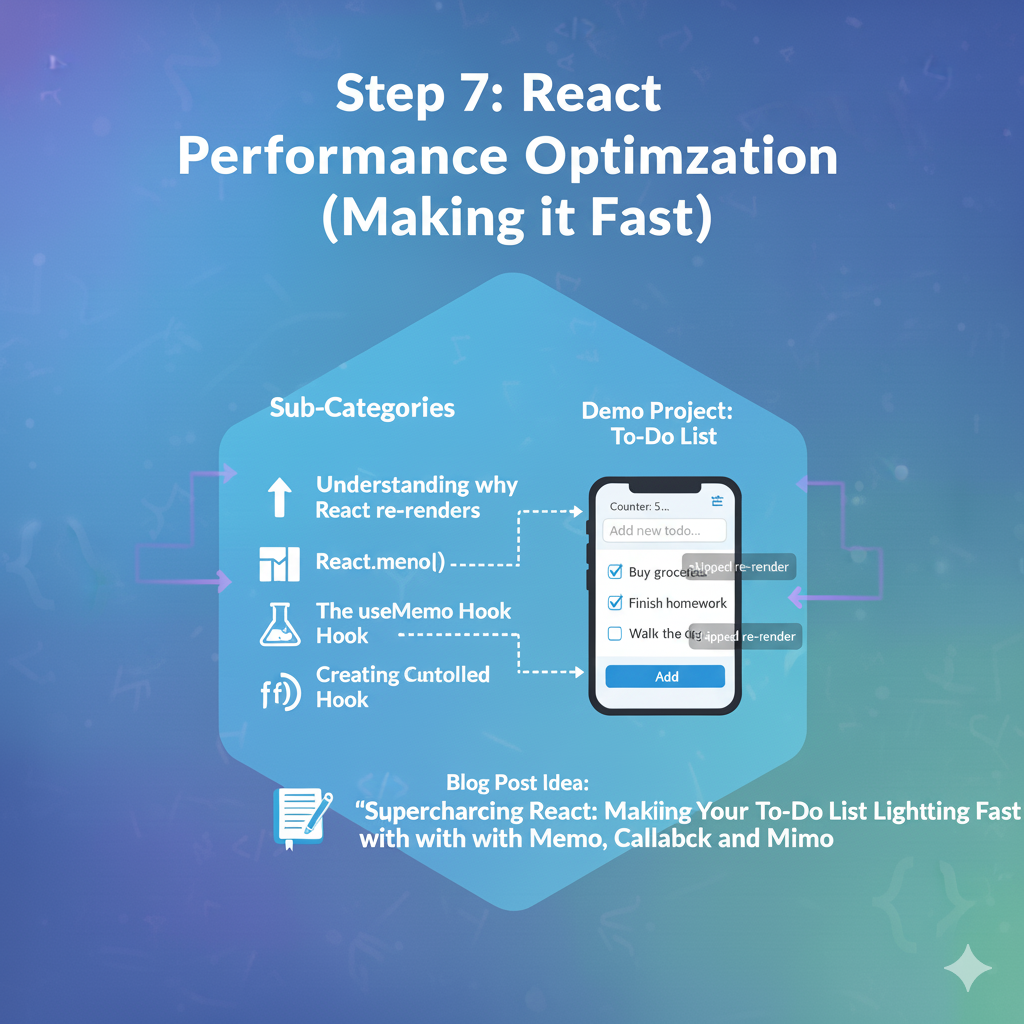
This step is where you go from a “working” app to a “fast” and “professional” app. This is an intermediate-to-advanced topic, but it’s one of the most important for building high-quality applications.
Goal: Understand why React apps can become slow and learn the specific tools to fix it by preventing unnecessary re-renders.
The tools are: React.memo, useCallback, and useMemo.
1. 🧠 The Core Problem: Unnecessary Re-Renders
First, you must understand why a component re-renders. A component re-renders if:
- Its state changes (e.g., you call
setCount(1)). - Its props change.
- Its parent component re-renders.
This last one is the problem.
Imagine your App component has a timer state that updates every second.
App
 ├── Timer (displays the time)
 └── TodoList
      ├── TodoItem (id: 1)
      ├── TodoItem (id: 2)
      └── TodoItem (id: 3)
When the timer state updates in App, App re-renders. Because App is the parent of TodoList, TodoList also re-renders. And because TodoList is the parent of all the TodoItems, every single TodoItem re-renders.
This means your TodoItems are re-rendering every second, even though their props (todo.text, etc.) haven’t changed at all. This is a wasted render. On a big app, this can cause significant lag.
Our goal is to tell React: “Hey, TodoItem, if your props haven’t actually changed, just skip re-rendering and show your old self.”
2. 🧠 Solution 1: React.memo() (For Components)
React.memo is a Higher-Order Component (a function that wraps your component). It memoizes (remembers) the rendered output of your component.
It tells React: “Before you re-render this component, do a shallow comparison of its newProps and oldProps. If they are identical, skip the render and use the memoized (cached) version.”
How to use it:
You just wrap your component when you export it.
JavaScript
// src/TodoItem.jsx

// 1. Your component
function TodoItem({ todo }) {
  // 2. Add a log to see when it renders
  console.log(`Rendering TodoItem ${todo.id}`);

  return (
    <li className="todo-item">{todo.text}</li>
  );
}

// 3. Wrap it in React.memo
export default React.memo(TodoItem);
By doing this, when the App timer ticks, React.memo will check the todo prop. It will see oldProps.todo is the same object as newProps.todo, and it will skip the render.
3. 🧠 The “Gotcha”: Referential Equality (Why React.memo Fails)
This is the hard part. After you do Step 2, you might find your component still re-renders. Why?
Let’s say your TodoItem also takes a function prop, onDelete: <TodoItem todo={todo} onDelete={handleDeleteTodo} />
In your App component, that function looks like this:
JavaScript
function App() {
  // ... other state

  // This function is RE-CREATED every time App re-renders
  function handleDeleteTodo(id) {
    setTodos(prev => prev.filter(t => t.id !== id));
  }

  // ...
  return <TodoList ... onDelete={handleDeleteTodo} />
}
In JavaScript, functions and objects are not equal to each other just because they look the same.
5 === 5(true)'a' === 'a'(true){} === {}(false! These are two different objects in memory)() => {} === () => {}(false! These are two different functions in memory)
When App re-renders every second, it re-creates the handleDeleteTodo function. React.memo compares the oldProps.onDelete (the old function) with newProps.onDelete (the new function) and sees they are different references. So, it re-renders.
We need a way to tell React: “Don’t re-create this function. Give me the exact same one as last time.”
4. 🧠 Solution 2: useCallback() (For Functions)
The useCallback hook memoizes a function definition. It gives you back the exact same function reference on every render, as long as its dependencies haven’t changed.
How to use it:
You wrap your function definition in useCallback.
JavaScript
// src/App.jsx
import { useState, useCallback } from 'react';

function App() {
  // ...

  // Wrap the function in useCallback
  const handleDeleteTodo = useCallback((id) => {
    // We use the functional update form for setTodos
    // This lets us avoid adding 'todos' to the dependency array
    setTodos(prevTodos => prevTodos.filter(t => t.id !== id));
  }, []); // <-- The dependency array is empty

  // ...
  return <TodoList ... onDelete={handleDeleteTodo} />
}
Now, when App re-renders, handleDeleteTodo is not re-created. It’s the exact same function as the last render. React.memo on the TodoItem will compare the onDelete prop, see that it’s identical, and successfully skip the re-render.
5. 🧠 Solution 3: useMemo() (For Values)
useMemo is just like useCallback, but it’s for memoizing complex values (like objects or arrays) or the result of an expensive calculation.
useCallback(fn, deps)is the same asuseMemo(() => fn, deps).
Use Case 1: Expensive Calculation Imagine you have 10,000 todos and want to show a count of only the completed ones.
JavaScript
// This calculation is SLOW
function getCompletedCount(todos) {
  console.log("Calculating completed todos...");
  return todos.filter(t => t.isComplete).length;
}

function TodoList({ todos }) {
  // This runs on EVERY re-render (e.g., when you type in a new-todo box)
  const completedCount = getCompletedCount(todos);
  // ...
}
This is wasteful. We can use useMemo to cache the result.
JavaScript
import { useMemo } from 'react';

function TodoList({ todos }) {
  // This function will ONLY re-run if the 'todos' array changes
  const completedCount = useMemo(() => {
    console.log("Calculating completed todos...");
    return todos.filter(t => t.isComplete).length;
  }, [todos]); // <-- Dependency

  return <h2>Completed: {completedCount}</h2>
}
Use Case 2: Referential Equality (for objects) If you pass an object as a prop, you have the same problem as functions. <ChildComponent style={{ color: 'red' }} /> That style object is re-created every time. React.memo(ChildComponent) will fail. Fix: const memoizedStyle = useMemo(() => ({ color: 'red' }), []); <ChildComponent style={memoizedStyle} />
2. 🚀 Demo Project: Optimized To-Do List
Let’s build the demo that shows the problem.
Coding Steps:
Step 1: Create the “Problem” App Use your To-Do list from Step 3, but add a timer to App.jsx.
JavaScript
// src/App.jsx
import { useState, useEffect } from 'react';
import TodoList from './TodoList'; // A component that just maps todos
import TodoForm from './TodoForm'; // The form from Step 3

function App() {
  const [todos, setTodos] = useState([
    { id: 1, text: "Item 1" },
    { id: 2, text: "Item 2" }
  ]);

  // THE "NOISY NEIGHBOR" - Our timer
  const [time, setTime] =useState(new Date());
  useEffect(() => {
    const timerId = setInterval(() => setTime(new Date()), 1000);
    return () => clearInterval(timerId);
  }, []);

  // This function is re-created every second
  function handleDeleteTodo(id) {
    setTodos(prev => prev.filter(t => t.id !== id));
  }

  return (
    <div>
      <h1>Time: {time.toLocaleTimeString()}</h1>
      <TodoForm />
      <TodoList todos={todos} onDelete={handleDeleteTodo} />
    </div>
  );
}

// src/TodoList.jsx
import TodoItem from './TodoItem';
export default function TodoList({ todos, onDelete }) {
  return (
    <ul>
      {todos.map(todo => (
        <TodoItem key={todo.id} todo={todo} onDelete={onDelete} />
      ))}
    </ul>
  );
}

// src/TodoItem.jsx
function TodoItem({ todo, onDelete }) {
  // This will log every second for every item!
  console.log(`Rendering Item: ${todo.text}`);
  return (
    <li>
      {todo.text}
      <button onClick={() => onDelete(todo.id)}>Delete</button>
    </li>
  );
}
// export default TodoItem; // <-- Not memoized yet
Observation: Open your console. You’ll see Rendering Item: Item 1 and Rendering Item: Item 2 logged every single second. This is the problem.
Step 2: Fix the Problem
- Memoize
TodoItem:JavaScript :- Observation: Check the console. It’s still logging every second. Why? Because the
onDeleteprop is a new function every time.
- Observation: Check the console. It’s still logging every second. Why? Because the
- Memoize
handleDeleteTodo:JavaScript
// src/App.jsx
import { useState, useEffect, useCallback } from 'react'; // <-- Add useCallback

// ...
const handleDeleteTodo = useCallback((id) => { // <-- FIX 2
  setTodos(prev => prev.filter(t => t.id !== id));
}, []); // <-- Empty dependency array
// ...
Final Observation: Check your console. It’s silent. The items are no longer re-rendering. They only log to the console when you add or delete a todo. You have successfully optimized your app.
⚠️ Important Rule: Don’t memoize everything. This is for fixing performance problems, not for using on every component.
React.memoanduseCallbackhave a small cost. Use them when you can measure a performance problem.